You're building something. Maybe it's a startup or a business website that is scaling fast, or going global. This means, more data and information on your site, probably multiple languages for each region, or multiple team members from your marketing team editing and adding content. This is a good time to ask the question: what CMS should we use?
The honest answer? It depends. But not in a cop-out way, it genuinely depends on where your business is headed, who's running your content and whether you're thinking about today or the next 3 to 5 years.
As a web design and development agency, we consult mutliple businesses in Australia, UAE and New Zealand on their re-platform and development exercise and CMS one of the most common discussion. So we prepared this quick guide to give you an overview about Headless vs Traditional CMSes.
What is a CMS
A Content Management System (CMS) is the backbone of your digital presence. It's where your content lives, how it gets published, and crucially, how it performs across every channel you use it on.
CMS can impact your marketing velocity, how quickly you can scale globally, create new pages, publish content and so on.
What are traditional CMSes and how they work
WordPress, Drupal, and even Webflow are the traditional approach, also known as Monolithic CMS. They work by bundling everything together, your content management backend and your frontend presentation (design) layer are tightly coupled in one system.
Think of it like an all-in-one appliance. It works out of the box, but it's designed for a specific purpose.
WordPress: Still powering 40% of the internet
Let's be clear: WordPress powers over 40% of the entire web. It's not going anywhere. It's affordable, flexible, and thousands of plugins exist to extend it. For blogs, marketing sites, and small-to-medium projects, WordPress remains genuinely relevant and practical.
Webflow: Design and CMS in One
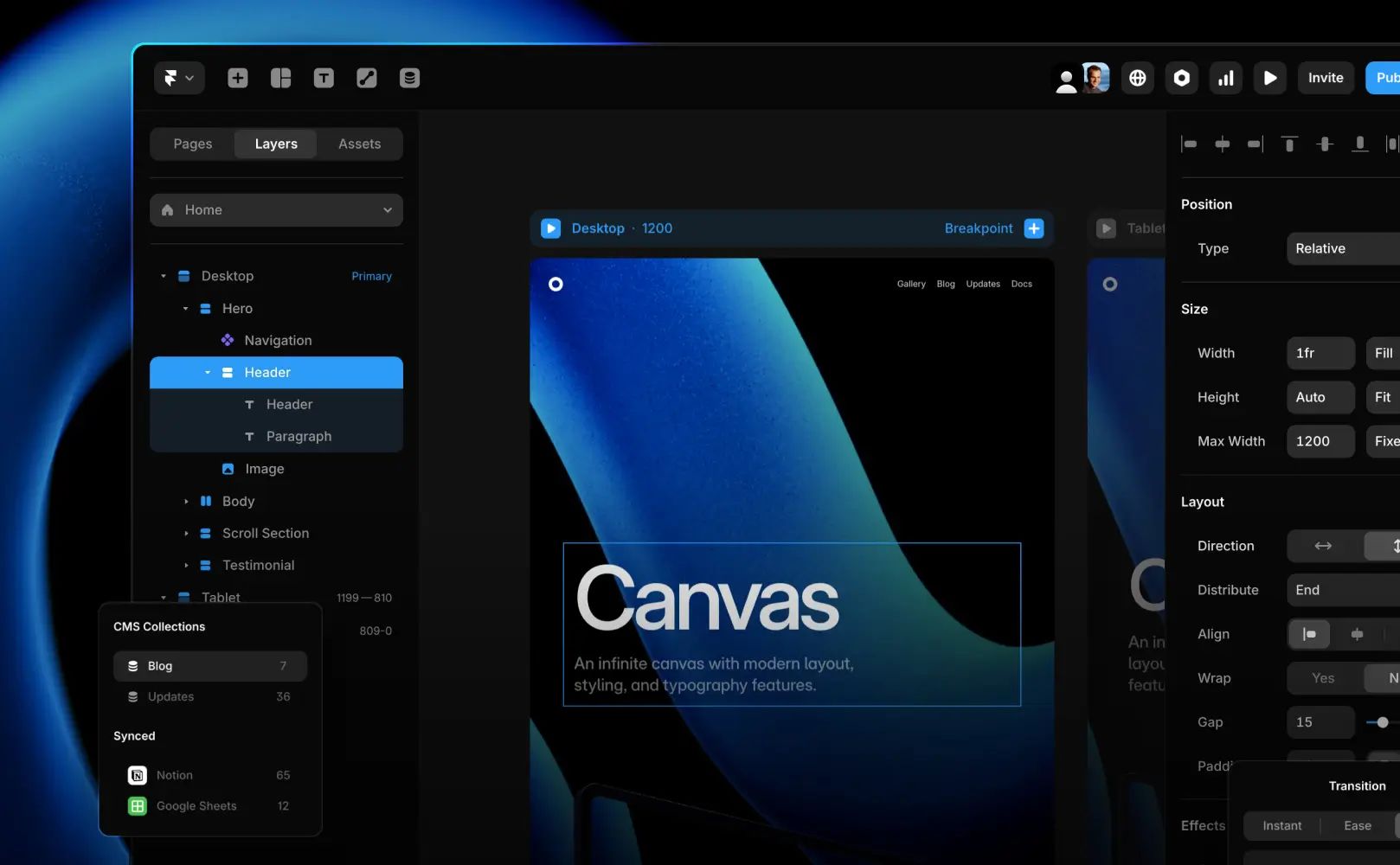
Webflow solves a real problem: designers who want to build the entire website (design + CMS) without coding. It looks beautiful, works intuitively, and launches fast.
But here are a few issues with this approach once your business grows:
- Webflow charges per seat (per team member who needs access) and each advanced feature requires an addon (paid upgrade). Scale your marketing or editorial team and the the costs compound quickly.
- Want to add add translation features with multiple languages? Each language is treated as a seperate addon (paid upgrade) charged on monthly basis. Again scaling to 5 to 8 languages can have large hidden costs
- Your backend and frontend are locked together, means you cannot move out of Webflow eco-system ever.
- Want to build a custom content structure for SEO or a new strategy? You will be trying fitting it into an existing framework designed with a generalist-mindset.
What is Headless CMS?
A headless CMS separates the backend (where content lives) from the frontend (how it's displayed).
You manage content in one powerful system. That content flows into your website, mobile app, email campaigns, voice assistants, smartwatch apps (or anything). Same content, infinite delivery channels.
It's the architecture of choice for brands that expect to grow in unpredictable directions.
Headless CMS comes without any pre-defined models or content structure, this means we can shape the CMS that is tailored to your business needs and requirements.
Want a video showreel on your website? A blog section with 5 languages? Product pages in 5 languages with custom product data? Want to fetch product data from Shopify or another source? all that is possible with the modular nature of any Enterprise-grade Headless CMS.
When to Choose a Headless CMS
Choose headless if:
Your business and team is growing
Your user base is growing. Your team is expanding. Your business is entering new markets and you may need different content types (Ecommerce, Products, Blogs, Case studies, etc)
You want highest performance and security
Headless lets you optimize your frontend independently. Your content delivery doesn't suffer because of bloated page builders. Enterprise grade headless CMSes also come with security and compliance standards, fully managed in cloud by the organisations. Headless CMSes also have option to self-host if privacy is your concern.
You're structuring data for AI and search engines.
Headless CMSs excel at structured content designed specifically for modern AI-SEO and AI-assisted search engines. You can control exactly how content is tagged, categorized, and delivered to traditional search engines as well as AI-driven search engines seach as Google AI, ChatGPT or Claude.
You're connecting multiple services to your backend.
You need a digital asset manager, search optimization tools, analytics platforms, translation services all working in sync. Headless accommodates this seamlessly.
You need robust translation management.
Headless CMSs handle localization and translation, 10 times more elegantly than any traditional CMS like WordPress or even Webflow. One source content, multiple languages, managed centrally. No duplicate pages, no translation chaos as you scale.
What are the most popular Headless CMS platforms?
Some of the most popular enterprise-grade Headless CMS are:
When to choose traditional CMS
Choose traditional if:
You need something affordable and fast
Small marketing sites, blogs, or fast launches where budget is tight.
Blog-driven marketing is your core strategy
WordPress excels here. It's built for bloggers, and the ecosystem reflects that.
You're small-scale right now
If you don't foresee needing multiple channels or complex scaling, traditional CMS handles it fine.
One or no translations required
If you're English-only or need minimal localization, the complexity of headless isn't justified.
How to choose the right CMS
Customisation and Data Flexibility
Headless wins here. You model your content structure exactly as your business needs it—without frontend constraints. This matters when you're building complex, interconnected content systems or planning AI integration.
Traditional CMS offers flexibility too, but within pre-built boundaries.
Scalability
Headless scales horizontally. Add new channels, new markets, new languages without touching your core content system and distribute data anywhere.
Traditional CMS scales vertically, you upgrade the platform, add more resources but you are confined within the features, offered by the CMS.
Ease of Use for Your Marketing Team
This matters more than developers like to admit. If your marketing team can't use the system intuitively, it becomes a bottleneck.
Security and Performance
Headless decouples your content from your frontend, reducing attack surface. Your API is single-purpose and easier to secure.
Traditional CMS bundles everything, which can mean larger security footprint if not maintained properly, however for small sites, it is not a bad optoin as it is faster to implement.
SEO Features
This is nuanced, so let's break it down:
Technical SEO Control: Headless gives you granular control over meta tags, structured data, canonical URLs, and performance metrics. You're not constrained by the CMS's opinionated choices.
Structured content: Headless forces you to think about content structure deliberately. This structured approach helps search engines understand context, which improves rankings. WordPress and Webflow handle this, but less elegantly.
AI-Assisted SEO Tools: Headless integrates naturally with modern AI SEO platforms. Your structured content is ready for optimization algorithms that analyze and improve ranking potential.
Traditional CMS do come with pre-baked SEO fields and features which give you basic control on SEO optimisation as well. Choose the path that works best for your business needs. If your business heavily relies on SEO, go with headless structure as your marketeers and SEO agency will have deep control and flexibility to work with structured, SEO-friendly content.
Upfront and long-term costs
Headless requires higher initial investment. You're typically paying for the CMS platform, custom frontend development, and integration work.
Traditional CMS is cheaper upfront. WordPress and Webflow get you live quickly.
But here's the reality: As you scale, traditional CMS costs compound—plugin upgrades, developer time solving workarounds, eventual rebuild costs. Headless costs more initially but provides longer-term cost efficiency.
Localisation and translation features
Headless is purpose-built for this. Manage one source, publish in 20 languages, update once and it propagates everywhere. Translation APIs integrate natively.
WordPress duplicates content per language, which creates maintenance overhead.
Webflow prices per translation, making multi-language scaling expensive.
Conclusion
Let's be honest: you could spend weeks debating this and still not have a definitive answer. That's because the right choice depends on three specific things:
Your business stage. Pre-launch startup? WordPress works. Series B, heading global? Headless starts making sense.
Your team's skillset. If you have in-house developers, headless leverages their expertise. If you're a small marketing team, traditional CMS reduces complexity.
Your growth ambition. Planning to stay a single-channel, single-language business? Traditional CMS is fine. Planning to expand to new markets, new products, new channels? Headless is the safer bet.
The worst mistake isn't choosing the wrong CMS, it's choosing one, scaling to a breaking point, then realizing you need to rebuild everything.
Get a free CMS consultation
If you are looking at a web re-development or replatform of your existing business website, feel free to get in touch with us with all the details and we are happy to assist.